
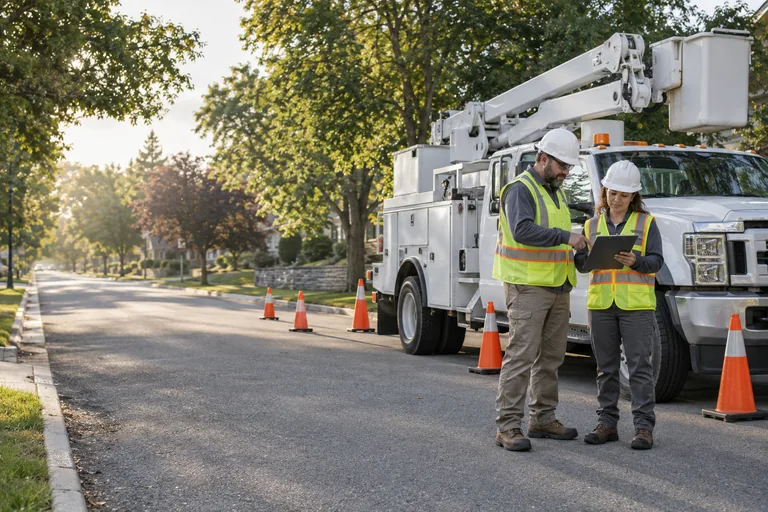
01 / TASKS & ASSIGNMENTS
Make the plan clear.
Assign responsibility, set due dates, and schedule recurring work.
KEEP YOUR TOWN MOVING
A clear plan for the crew. A lasting record for your community.
Plan tasks, coordinate crews, and connect work to the streets and assets your team maintains. LocalWorkOps brings assignments, inspections, photos, and completed work into one place, so the details stay with the job.
EVERYDAY WORK. ONE CONNECTED RECORD.
Roadside maintenance. Sewer checks. The next repair. Give a small team one place to plan the work and record what happened.
Assign responsibility, set due dates, and schedule recurring work.
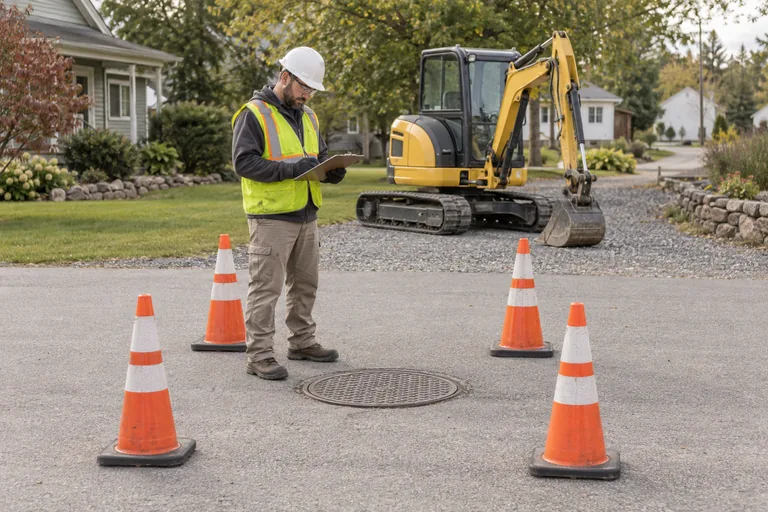
Connect inspections, notes, and photos to the assets your team maintains.
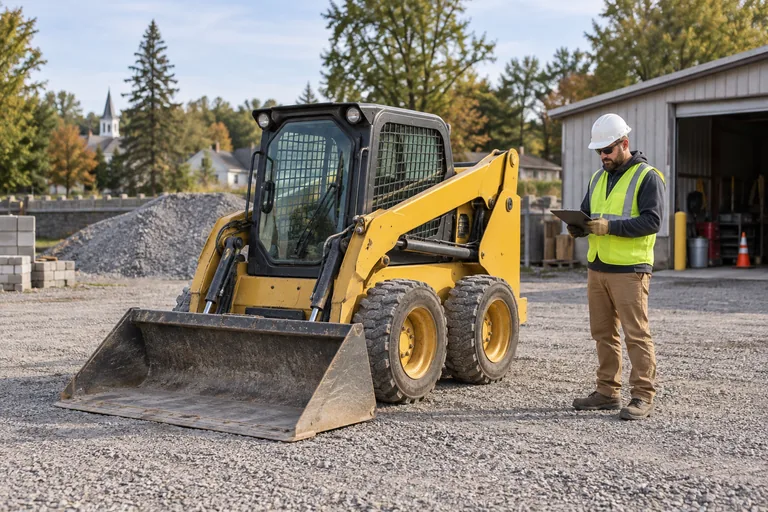
Save the work, labor, resources, and costs so the next job starts informed.
Municipal scenes are AI-generated illustrations, not customer photographs.
FROM THE OFFICE TO THE FIELD
See what needs doing, who’s responsible, and where the work belongs.
Use LocalWorkOps in a web browser. An internet connection is required.
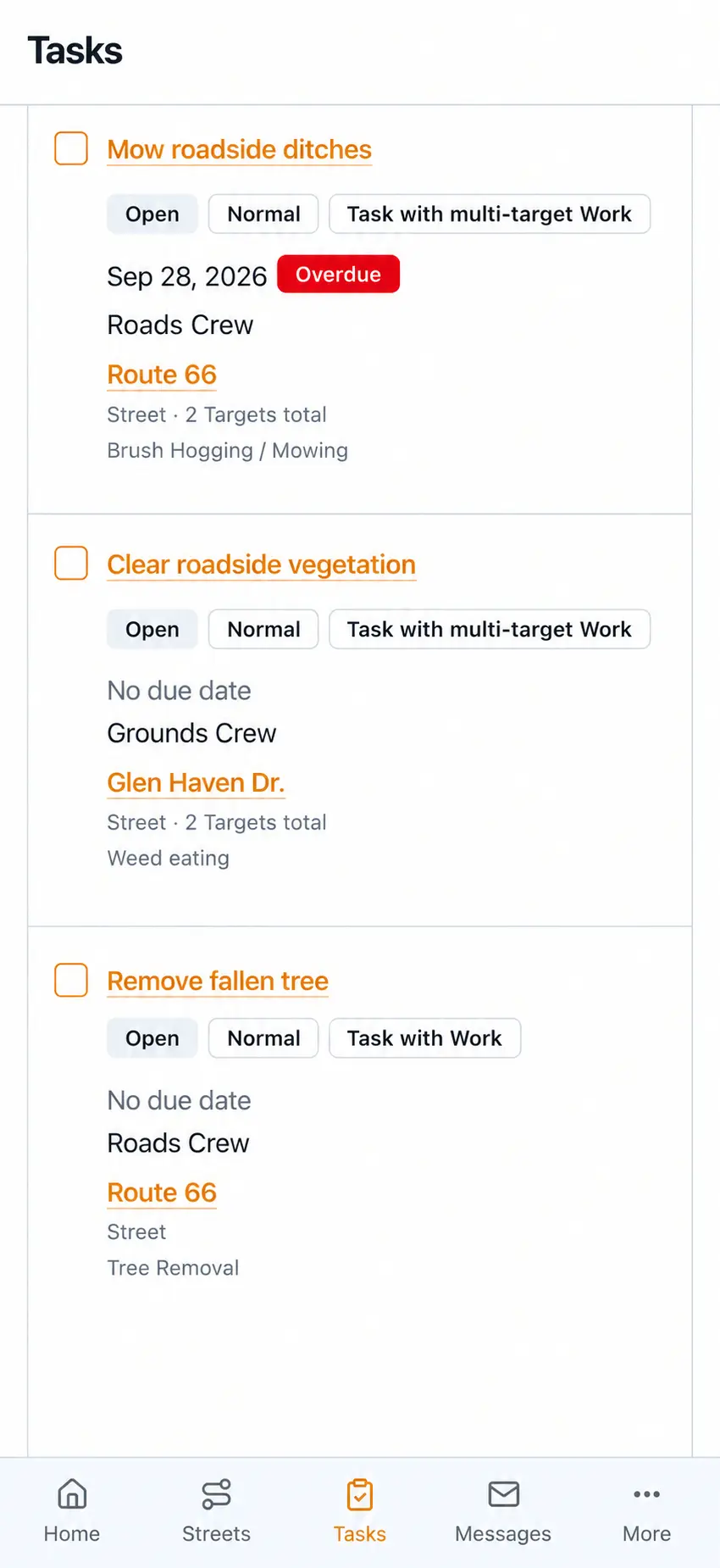
Assign responsibility, set due dates, and carry the plan through to completed work.
Keep maintenance records connected to the places and assets your crew looks after.
Record what you find, schedule repeat checks, and connect defects to the next task.
A PRACTICAL WAY TO WORK
From routine maintenance to the next repair, keep a straightforward record of the work.
Set the task, location, and responsibility.
Carry out the work and capture the details.
Keep the notes, photos, labor, and results.
Build an asset history the next job can use.
BEFORE WE TALK
Municipal public works teams that need to plan work, manage local assets, and preserve the details of completed jobs. It’s especially focused on the day-to-day needs of smaller teams.
Use the contact form to tell us about your municipality, your team, and what you’re trying to organize. We’ll discuss whether LocalWorkOps is a fit and the next steps for access.
The “Launch app” link takes you to the existing application sign-in. Open the application.
LocalWorkOps is a web application for use through a browser. An internet connection is required; offline operation is not currently offered.
LET’S TALK ABOUT YOUR WORK
Tell us what your municipality needs to keep track of.
Start a conversation