
TASKS & CREW ASSIGNMENTS
A clear plan for public works jobs.
The crew needs to know what needs doing, who’s responsible, and where the work belongs. LocalWorkOps helps small municipal teams organize that plan and keep a record of what happened.
If your team calls those jobs work orders, here’s how they fit in LocalWorkOps: planned jobs are organized as Tasks, and completed activity can be saved as Work records.
Put the details where the crew can find them.
Give each task a clear title and description. Choose the people responsible, set a due date, and mark high-priority work when it needs attention. Connect operational tasks to the street sections or related assets involved.
A roadside maintenance job can carry its location and crew assignment from the start. A routine follow-up can have its own responsibility and due date. The task gives everyone a shared reference for the work.
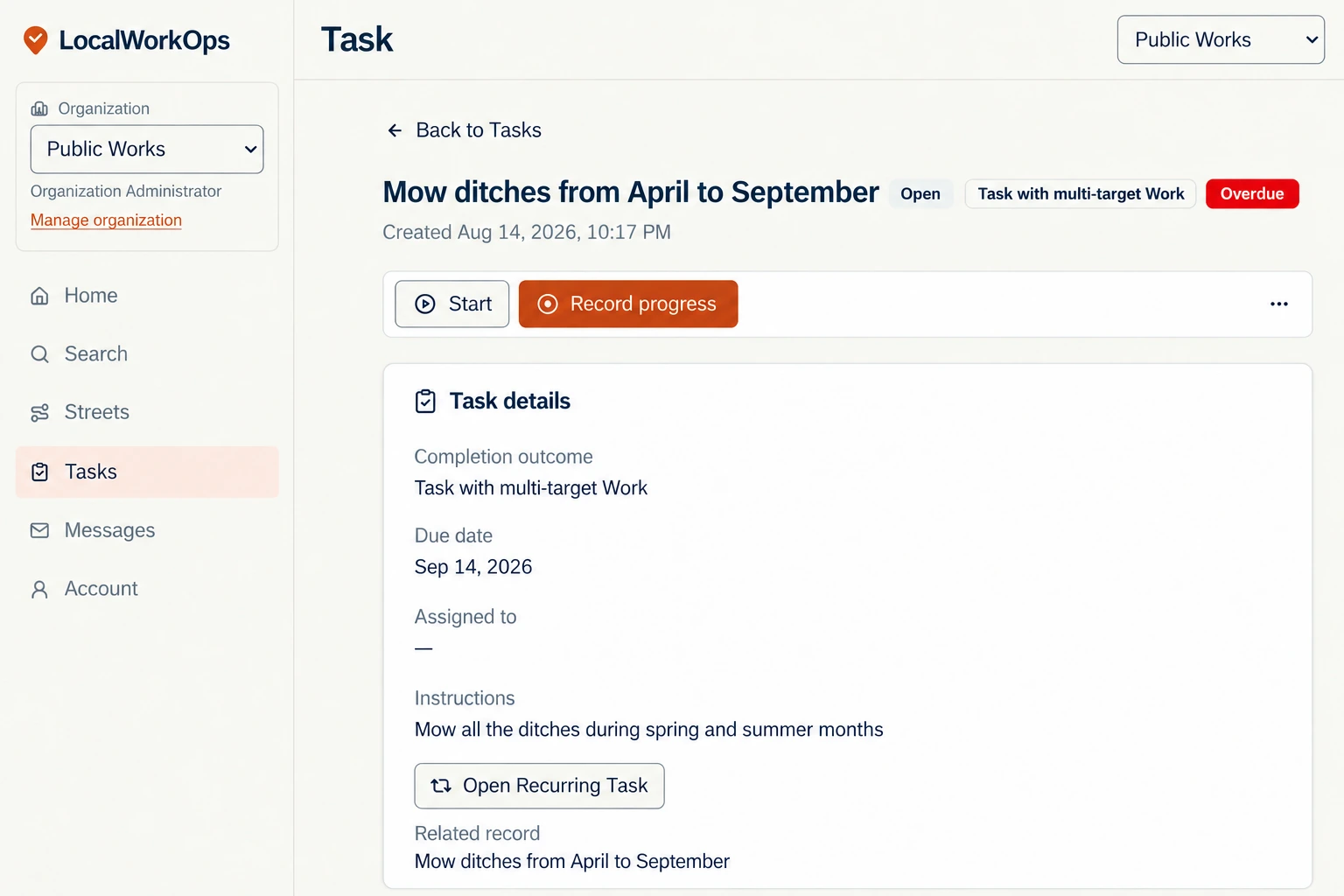
Scroll across the app preview to see the full screen.
Keep the plan and the outcome connected.
Track the task as the work moves forward. Add field notes and photographs to preserve useful details along the way.
For tasks set up to record completed work, save the actual work when the job is finished. Task-only items can remain in task history. That gives the team a way to handle both operational jobs and the smaller follow-ups that support them.
Make room for the work that comes around again.
Set up recurring tasks for regular maintenance. Choose a schedule and default assignees, then review the individual tasks as they come due.
A recurring schedule keeps the plan available. The crew still records what actually happened on each job.
One job can cover more than one street section.
For work that spans several sections, plan a multi-target task. Keep the shared job together while connecting the completed work to the selected locations.
That can help with work such as a mowing run or a maintenance operation that crosses several sections of town.
A few practical questions.
Can we use this for general crew tasks?
Yes. You can create task-only items with a description, assignees, priority, and due date. Use a task with a Work outcome when the job should also create a completed-work record.
Can we keep photos and notes with the job?
Yes. Tasks support field notes and photographic evidence, so useful details can stay connected to the assignment.
Can the crew use it away from the office?
LocalWorkOps runs in a web browser. An internet connection is required.
Start with the way your crew works.
Tell us how your municipality assigns jobs and records completed work. We’ll discuss how those steps fit in LocalWorkOps.
Talk about your team