
ASSETS & COMPLETED WORK
Keep the work with the place it happened.
When a crew returns to a street section, sign, or sidewalk, the previous work can help explain what they’re seeing. LocalWorkOps connects municipal maintenance records to the places and assets involved, giving the next job a useful starting point.
Build a history one job at a time.
Record the work performed, its date, the crew, and the details that matter. Link the record to the relevant location or asset, and keep supporting photographs with the work.
Over time, the history gives your team a record to return to: what was done, when it happened, and what was recorded at the time.
Find the earlier work before planning the next job.
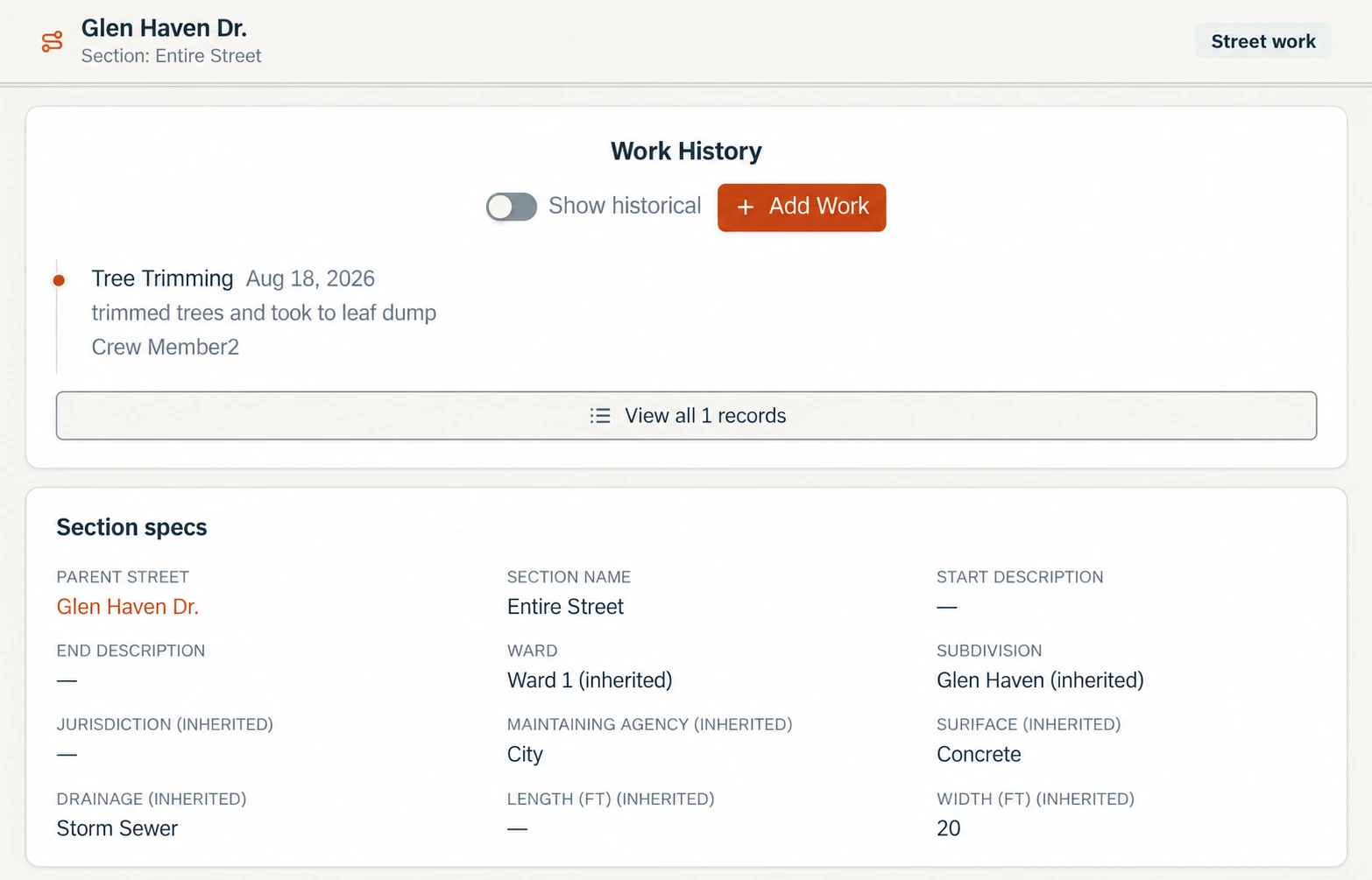
Open a street section’s work history to review its previous maintenance. Follow a record to see more detail, or search and filter the full history when you need to narrow it down.
For a section of gravel road, that might mean reviewing previous maintenance before scheduling another visit. For a sign or sidewalk, it means keeping the asset’s work in context.
Scroll across the app preview to see the full screen.
Keep labor and resources close to the record.
Add labor time and optional resource entries to Tasks or Work. Record materials, equipment usage, contractor costs, and other direct costs where they are useful.
These details help describe the job alongside its location, crew, and outcome. Recorded costs remain distinguishable from entries where a cost has not been supplied.
Bring the records into the next conversation.
Managers can use reports and exports to review recorded activity and share a summary. The history remains connected to the underlying work, so a summary has a record behind it.
Whether the question is about a recent job or earlier maintenance, the aim is the same: keep enough context for someone else to understand what happened.
A few practical questions.
Can we see work by location?
Yes. Street-section work history includes dated records, work types, descriptions, and crew information. The full history supports searching and filtering.
Can we keep inspections with an asset’s history?
Yes. Asset records can show recorded inspections, including their date, status, and rating. Open the inspection to review its details.
Can one completed job appear against several locations?
Yes. Multi-target work keeps a shared job connected to its selected targets, allowing it to appear in the relevant work histories.
Make the next job better informed.
Tell us which streets and assets your team maintains, and what you need to know when the crew returns.
Talk about your team